How the posting schedule generator works
Methodology
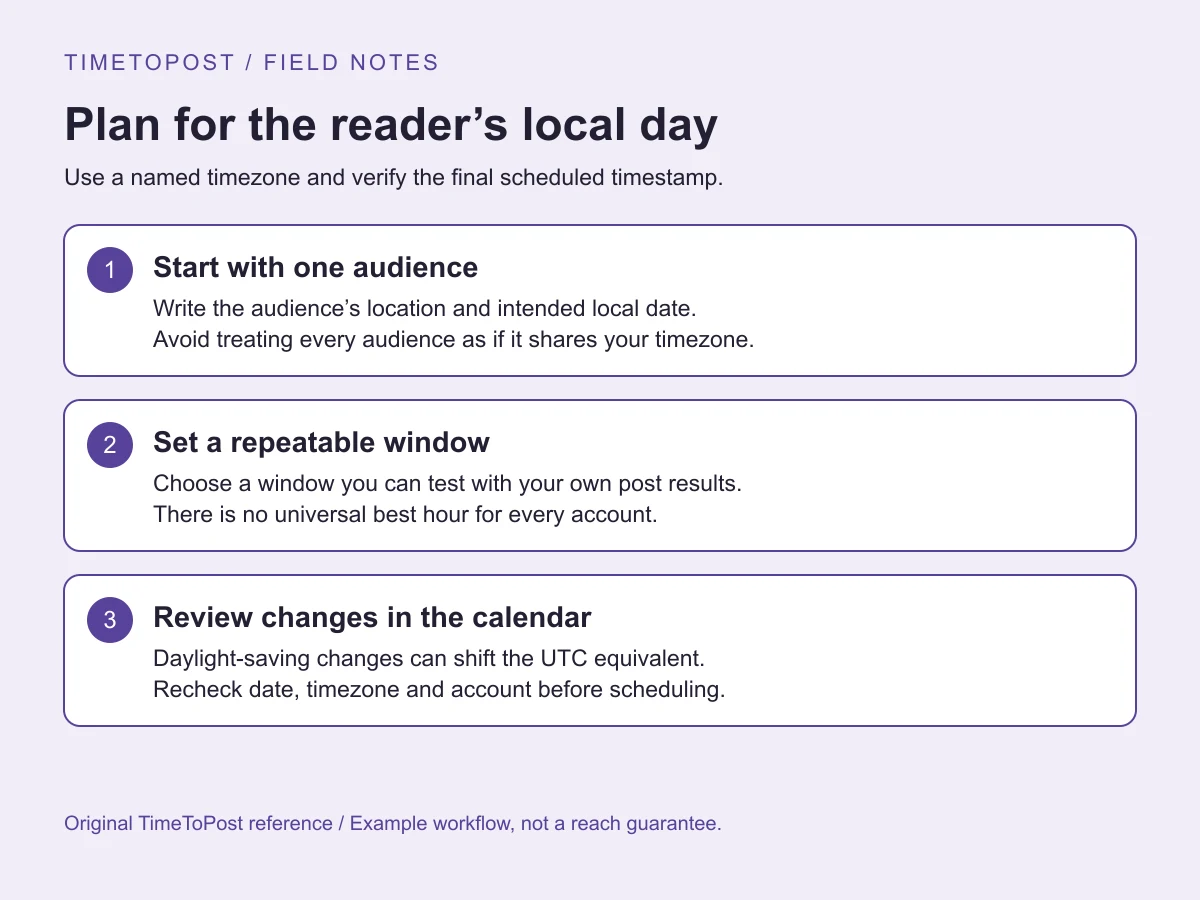
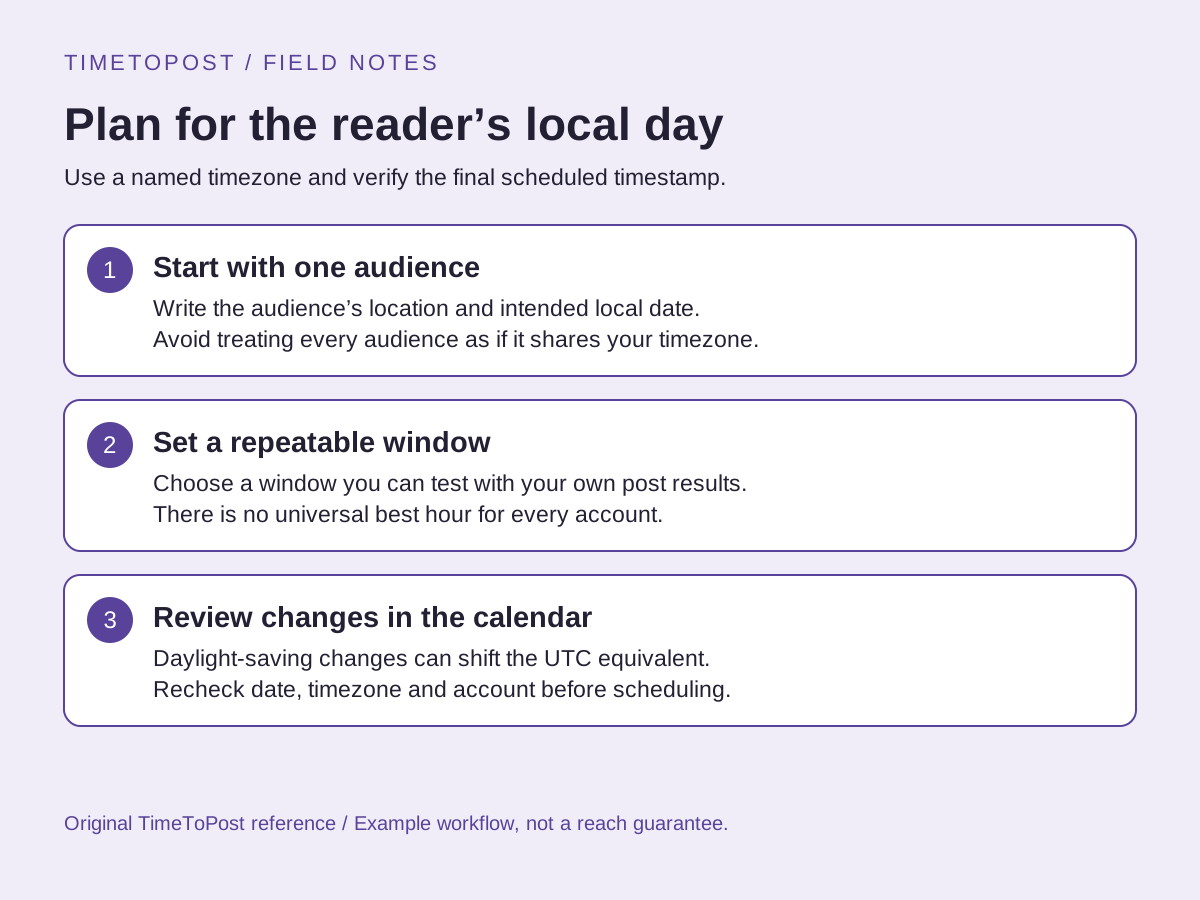
The generator combines separate best-time curves for every selected platform. Each platform curve is a 24-hour set of relative engagement scores, converted from UTC into your chosen timezone. Where TimeToPost has enough anonymized aggregate post samples, the curve reflects real platform engagement observed through the product. Where sample sizes are not yet reliable, the generator falls back to an editorial baseline that blends public research, platform behavior and practical scheduling experience. The goal is not to invent certainty. The goal is to give you a useful calendar that can improve as real data becomes available.
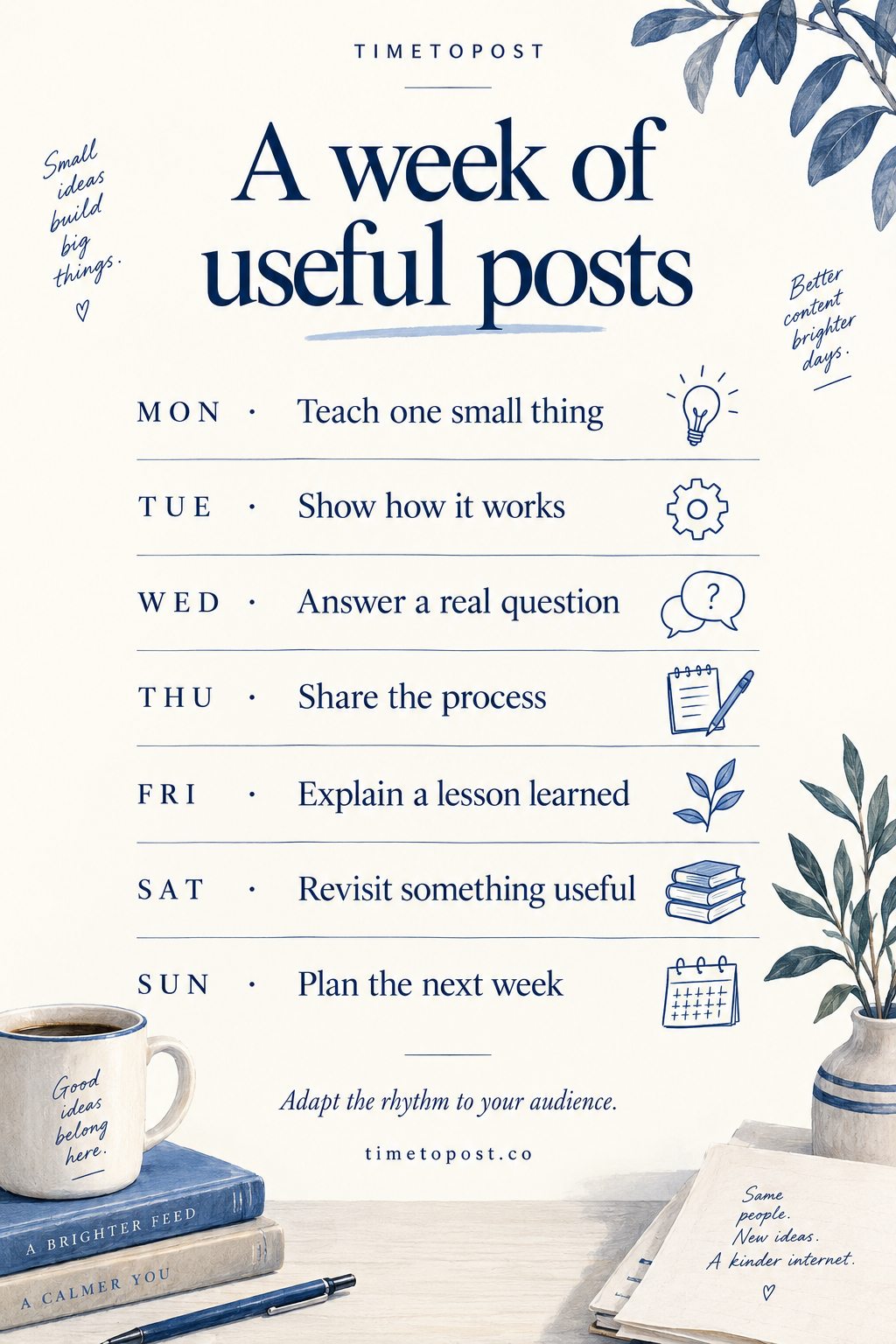
After it loads the curves, the generator ranks strong hours for each platform and lays them across the active weekdays you selected. Cadence matters because the best schedule for three posts is not the best schedule for 20 posts. The tool tries to spread posts across the week, avoid obvious clustering and preserve platform-specific timing instead of averaging everything into one generic slot.
Platform guidance
Use this tool when your content plan spans multiple surfaces. Instagram often needs a mix of midday and evening slots depending on format. TikTok needs strong first-hour testing, so repeating late-night posts for a local audience is risky. X can support higher frequency, especially if posts are timely or conversation-led. LinkedIn usually rewards weekday work context and lower volume. Pinterest and YouTube have longer discovery arcs, but publishing time still helps the first wave of engagement and subscriber notification behavior.
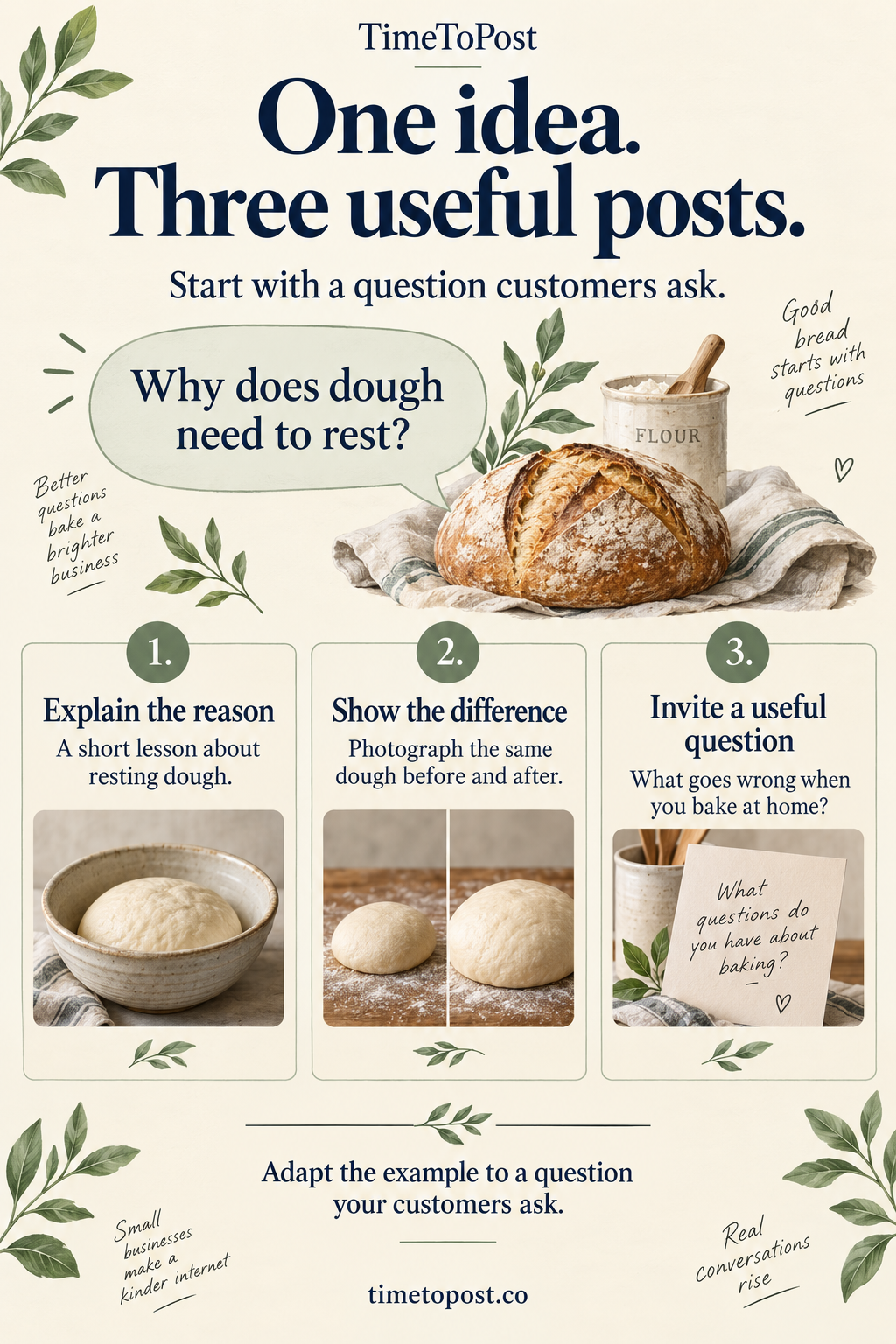
The most common scheduling mistake is treating all platforms as syndication targets for the same post at the same minute. A better weekly calendar gives each network its own job. Publish the deeper argument on LinkedIn, the concise observation on X, the visual proof on Instagram, the short hook on TikTok and the durable search asset on YouTube or Pinterest. The generator gives you the timing skeleton. Your content strategy gives each slot a purpose.
How to use the output
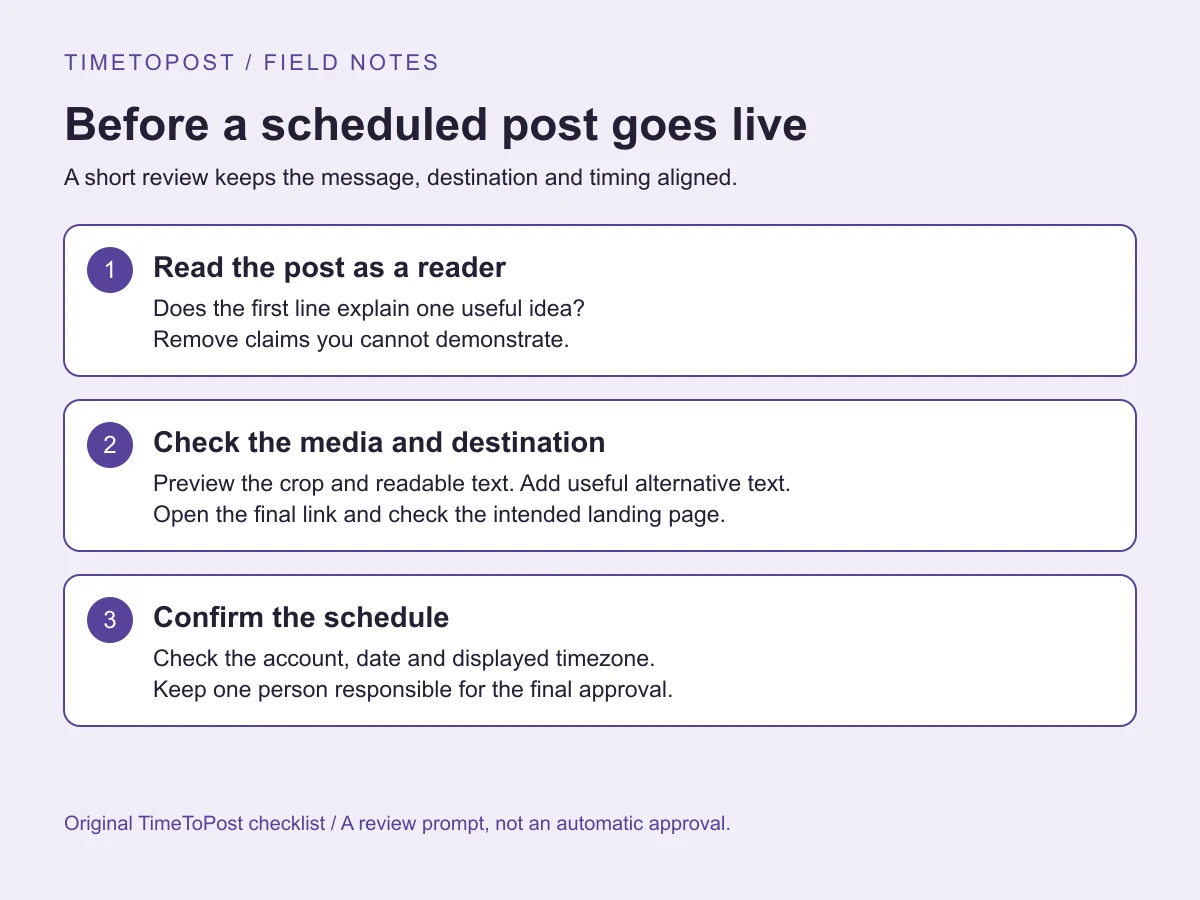
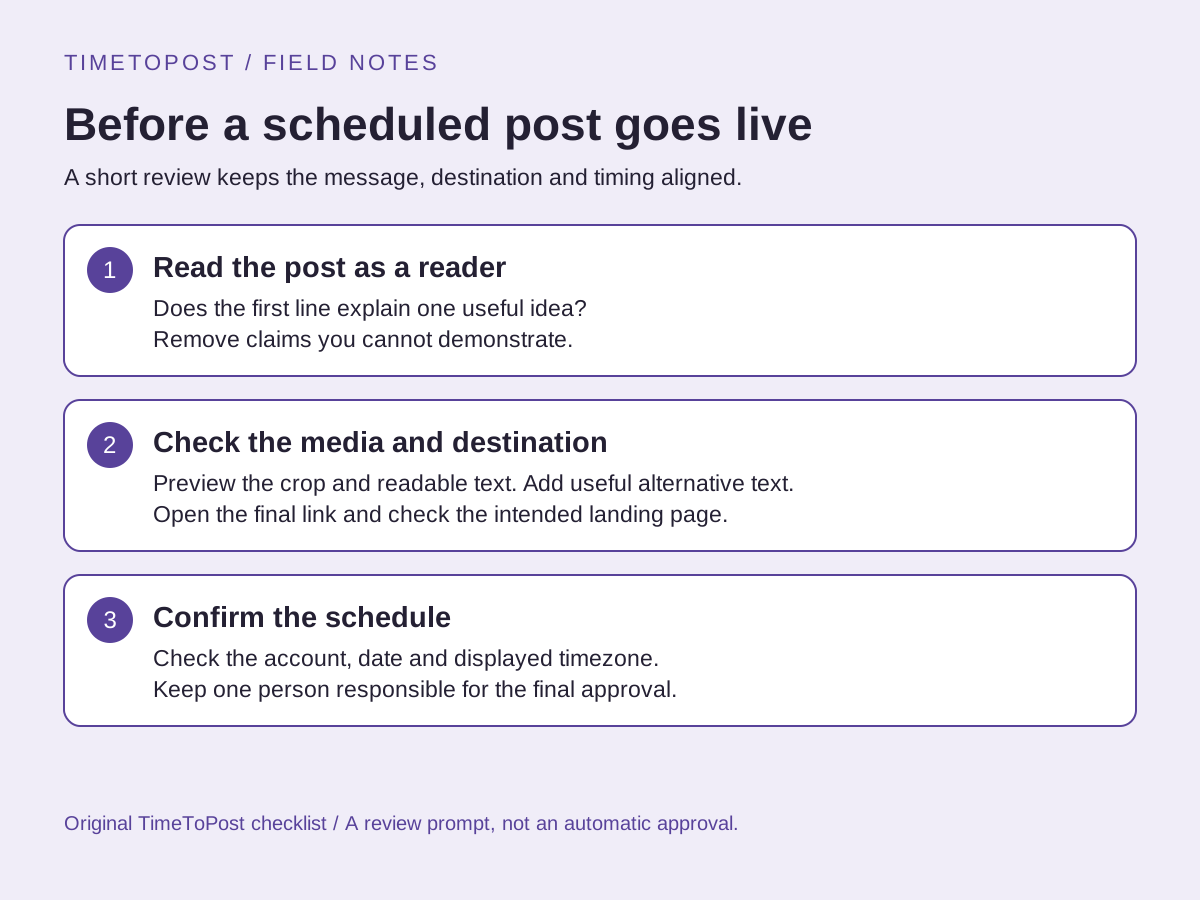
Once the calendar appears, copy it into your planning system and assign post themes before writing final copy. Use the .ics export if you want recurring reminders in a calendar app. Each event should represent a publishing deadline, but it should also imply prep work: creative finished, caption checked, link verified and owner assigned. For teams, paste the generated week into a shared content calendar and add status columns for draft, review, approved and scheduled.
The calendar is strongest when paired with a weekly review. After each week, mark which posts earned replies, saves, shares, views or clicks. Keep the slots that create early momentum. Move weak slots slowly rather than rebuilding everything at once. When manual planning becomes the bottleneck, TimeToPost can turn the same idea into a connected workflow: drafts, approvals, scheduled publishing, best-time recommendations and performance feedback.
If you manage a brand account, use the generated schedule to separate planning from publishing. Decide the weekly themes first, then assign formats and owners, then schedule. A good calendar shows what has to be created before it shows what has to be posted. For launches or campaigns, leave buffer slots for reactive updates and customer questions. A perfectly full calendar can become a liability when something timely deserves space.
For agencies, save the exported calendar as the baseline and annotate client-specific exceptions. Some clients need local business hours, some need founder approval, and some need a heavier weekend rhythm. Keep those constraints visible so the next generated week becomes a starting point rather than a finished deliverable. The tool is fastest when it removes blank-page planning, not when it replaces strategic judgment.
If the first version feels too busy, reduce cadence before changing platforms. A smaller calendar that ships consistently creates better learning data than an ambitious plan that is abandoned midweek or quietly ignored by the team.
Limitations
A generated calendar cannot know launch dates, holidays, breaking news, creator availability, asset quality or audience fatigue. It also cannot infer whether a platform deserves more or fewer posts for your business. Use it as a strong first draft, then adjust based on real performance and capacity.
Frequently asked questions
How do I make a social media posting schedule for free?
Choose your platforms, timezone, active days and cadence in the TimeToPost generator. It builds a weekly calendar from platform-specific timing curves and lets you copy it or download an .ics file.
Can one calendar include Instagram, TikTok, X and LinkedIn?
Yes. The generator supports Instagram, TikTok, X, LinkedIn, Pinterest, YouTube and Facebook in one weekly calendar, with separate cadence controls for each platform.
Is the generated schedule personalized?
The free generator uses aggregate best-time data and editorial baselines. A connected TimeToPost account can calculate account-specific recommendations from your own audience and post history.
What is a good weekly posting cadence?
A good cadence is one you can sustain with useful posts. Start with three to five posts on priority platforms, then add volume only when your workflow, assets and reply capacity can support it.
Can I import the posting schedule into Google Calendar?
Yes. Download the .ics file and import it into Google Calendar, Apple Calendar, Outlook or any calendar app that supports standard calendar files.
Should every platform have the same number of posts?
No. Match cadence to format and effort. A daily X rhythm can be reasonable, while YouTube or LinkedIn may perform better with fewer, stronger posts.